Amounts for your wax and jar
Enter the jar volume and scent strength and Wax Lab works out the wax and fragrance for the wax you picked. Works in millilitres and grams or in ounces.

Wax Lab
For home candle makers, on iPhone and iPad
Wax Lab works out how much wax and fragrance you need, walks you through the recipe step by step, and helps you remember what worked.
iPhone and iPad · iOS 17.6 or later · paraffin is free
The App Store link will appear after release
The app knows what is happening at each step and tells you when it is too early to move on.
Enter the jar volume and scent strength and Wax Lab works out the wax and fragrance for the wax you picked. Works in millilitres and grams or in ounces.
Eight steps from prep to pouring: checklists, temperature ranges for your wax, and timers for cooling and stirring. Rush ahead and the app gently warns you.
Save the candle with its recipe and a photo, log the first burn, and get a hint on what to check in the next batch.
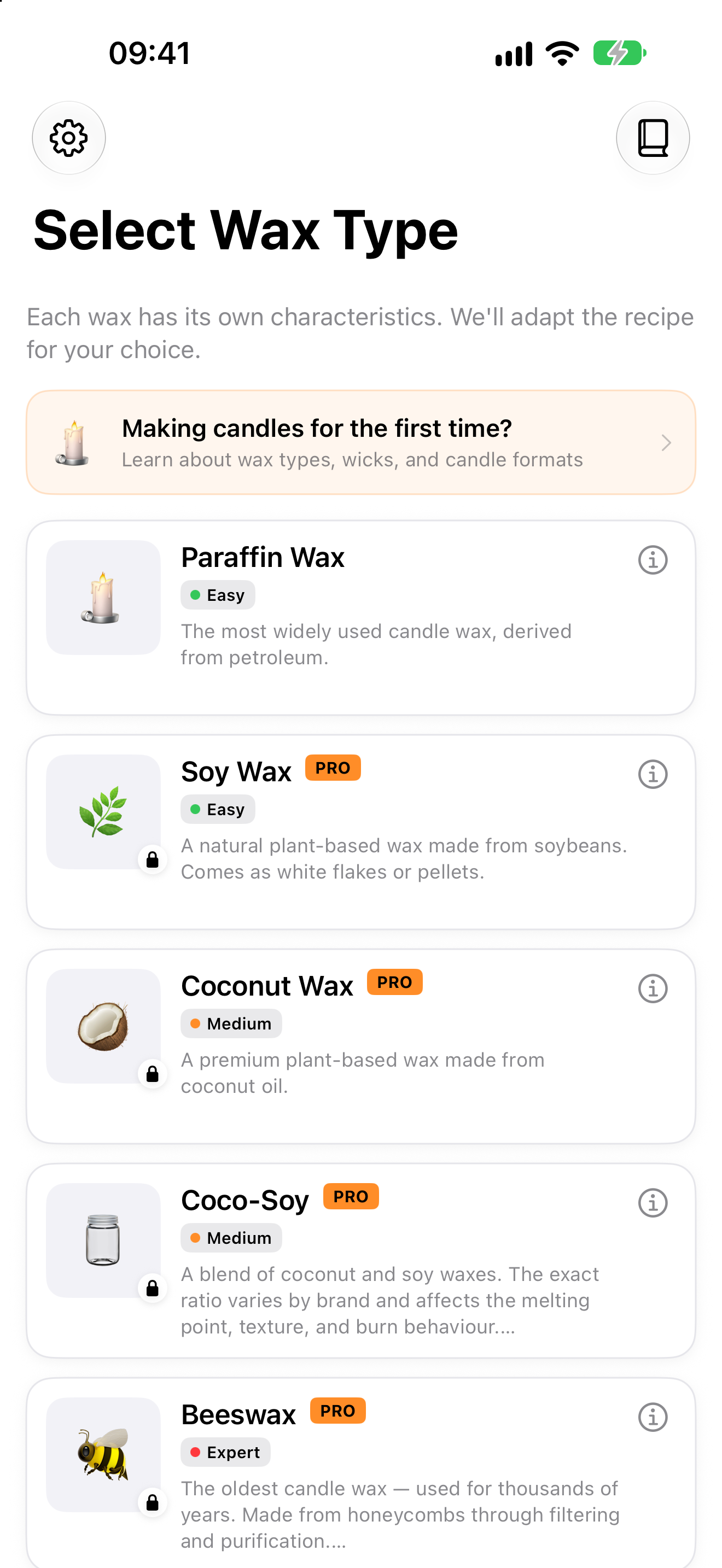
Paraffin, soy, coconut, coco-soy or beeswax — each has its own temperatures and fragrance load.
Jar volume and scent strength, and you know exactly what to weigh.
Timers and checklists at every stage, a first-check date and a journal entry at the end.
The main Wax Lab screens, from choosing a wax to the journal.
iPhone · wax types
Five wax profiles
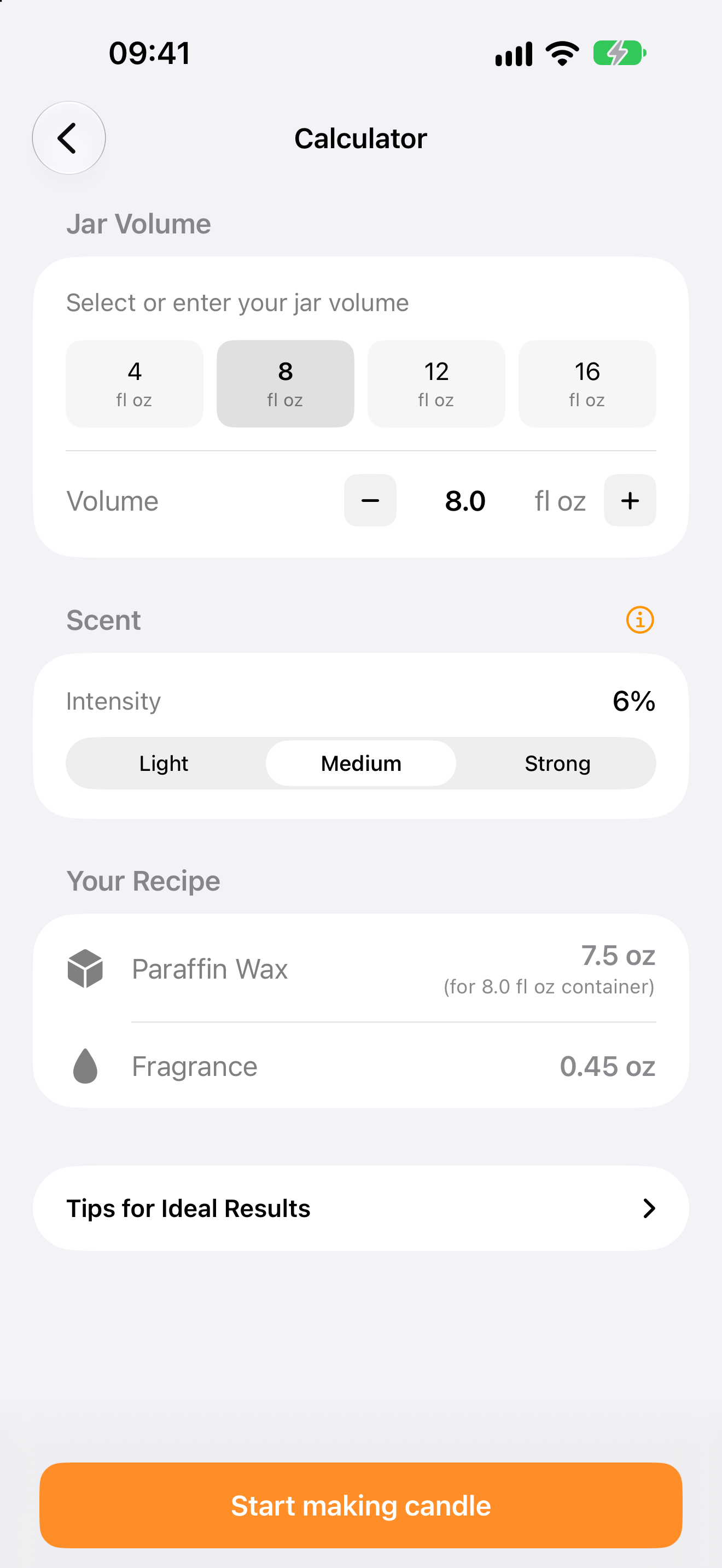
iPhone · calculator
How much wax and fragrance
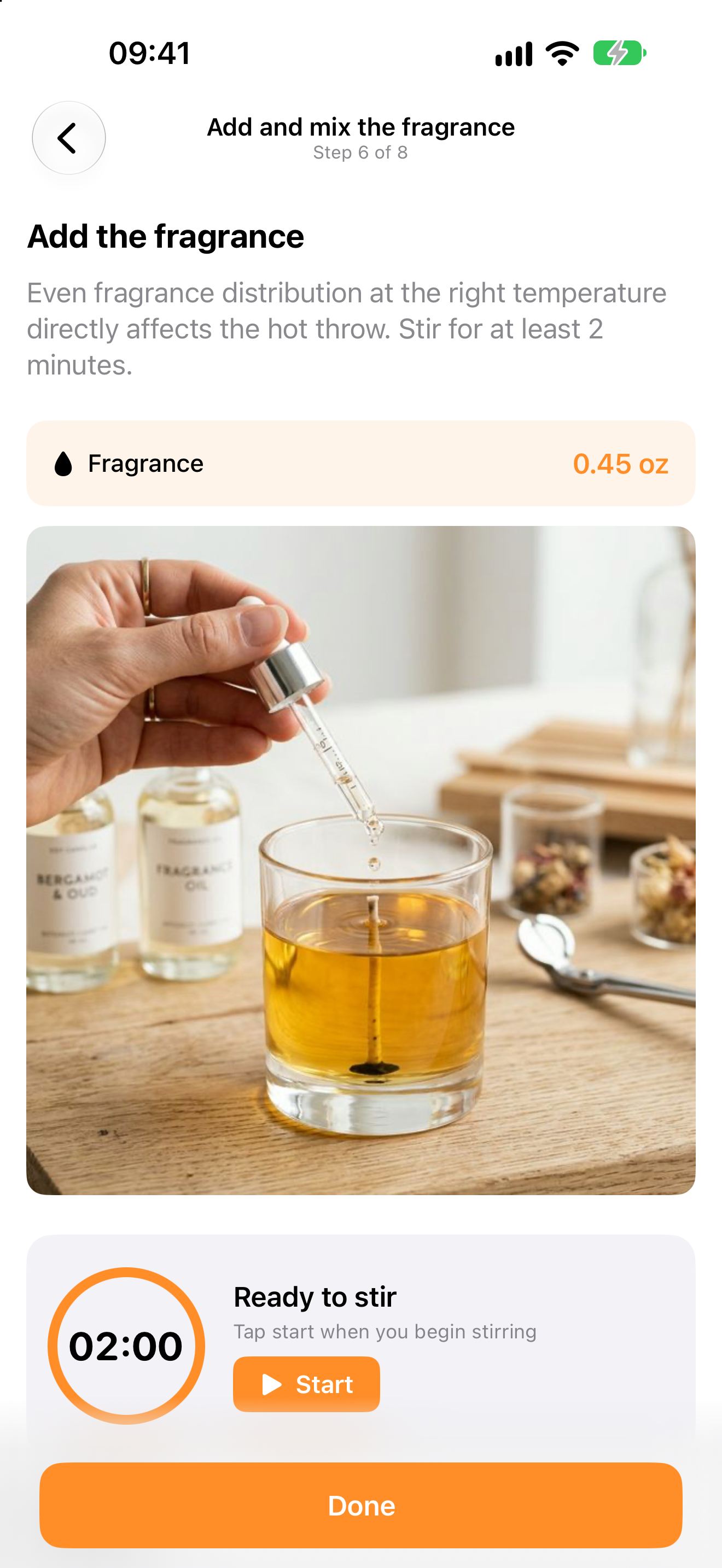
iPhone · recipe step
Fragrance and a stirring timer
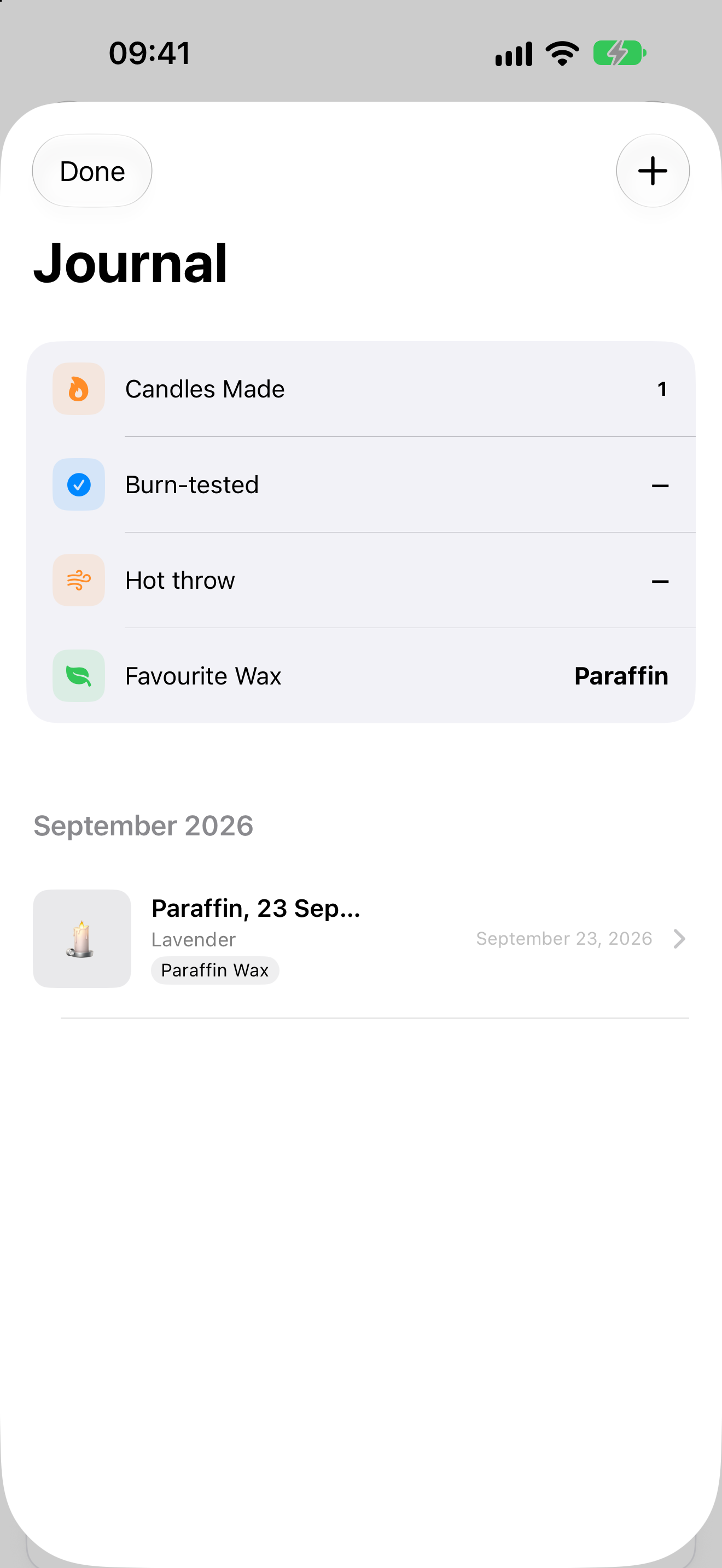
iPhone · journal
Remember what worked
No subscription: Pro is bought once and stays yours.
forever
One-time purchase · price shown in the App Store
The values in the app are starting points for a first test batch. Your wax maker’s data sheet and a test burn come first.
Each wax has its own melting, fragrance and pouring temperatures. I moved them into wax profiles, so step texts and checklists adapt to the chosen wax instead of being hard-coded into screens.
Cooling, stirring and waiting for pouring temperature are different situations. Each timer has its own guidance and a warning if you move on too early.
On-device rules read a test result: what happened, how much it matters and what to check in the recipe next time. Repeated issues are flagged before the next batch.
The app promises a clear first result, not expert formulation: scented container candles, with a pointer to the wax maker’s data sheet.